Tuesday, 21 September 2010
MOUNTAIN FLOWER THEME PICTURE AND DOWNLOAD LINK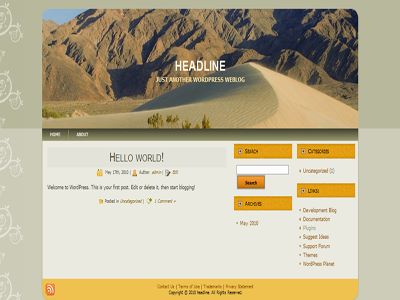
MOUNTAIN THEME PICTURE AND DOWNLOAD LINK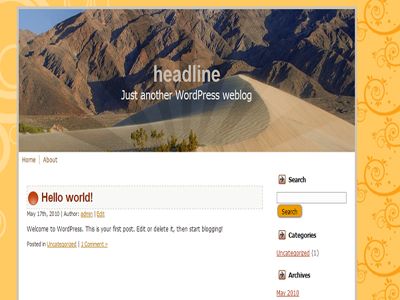
MOUNTAIN BLUE THEME PICTURE AND DOWNLOAD LINK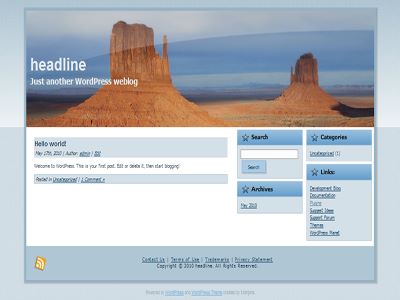
Theme Details
Theme Name: mountain Themes
Theme Description: all included mountain theme having two and three column with right sidebar and support for adsense code in Theme option and compatible for wordpress 2.8.x Support all latest version or wordpress
Column: 3 Columns with right side bar
Color: Green with Mountain View
Type: fixed Width
Side Bar: Right Sidebar
Column number: 2 columns Full widget
XHTML: Valid
mountain theme Download (Ziddu)
mountain blue Download (Ziddu)
Flower MOUNTIAN THEME DOWNLOAD (Ziddu)
Tuesday, 21 September 2010 2

Theme Details
Theme Name: green mountain
Theme Description: green mountain is having two column right sidebar and support for adsense code in Theme option and compatible for wordpress 2.8.x or prior.
Column: 3 Columns with right side bar
Color: Green with Mountain View
Type: fixed Width
Side Bar: Right Sidebar
Column number: 2 columns Full widget
XHTML: Valid
- Access your Web server using an FTP client or Web server administration tools.
- Create a folder for your specific theme under "wp-content/themes" folder within WordPress installation. For example:
- <WordPressFolder>\wp-content\themes\<YourThemeName>
- Copy or upload theme files into the newly created <YourThemeName> folder.
- Login to your WordPress administration panel and select Design -> Themes.
- In the 'Available Themes' section click on your theme title or screenshot, then click the 'Activate Theme' link to activate it.
Click here to download this theme
http://topratedtemplate.blogspot.com/2010/09/green-mountain.html
DOWNLOAD LINK 1 (Ziddu)
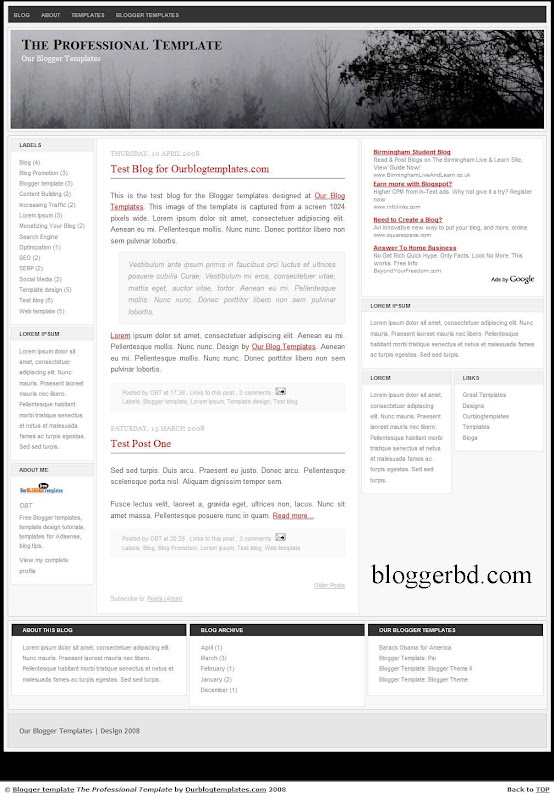
Blogger Template Details:
01. This is Multiple Columns
02. Flexible Column
03. Color: White
04. Header Changeable
05. 4 Columns Template
06. 3 Column Footer
07. Accretive Design
08. Easy Nab bar and Manu
09. Read More – Function to short the post
10. Almost all Fonts and Color and Easy Customizable
11. Blog Posts Edit Buttons Functions
12. Faxable Sidebars (by Number)
13. Manu Bar the Headers
14. Tested in all browsers
Download Template
PayPal is one of the popular and largest companies for online Money payment, Balance transfer. Now PayPal Expanded their service nearly 188 countries all over the world, But unfortunately Developing country Bangladesh not approve PayPal yet, Main cause Half Educated Bangladeshi Politician Group, Anyway, you can use unverified PayPal account to buy hosting or domain for website here, I have gather a little information where you can buy Domain name and hosting my Unverified PayPal Account
namecheap.com
This is the best site to buy domain name by unverified PayPal account.namecheap.com one of the most familiar and popular site.
domainsite.com
You can buy low cost domain name from here by unverified PayPal Account. This one is cheapest domain name after yahoo domain.
Fatcow
It’s Famous Hosting Company, FatCow accept unverified PayPal Account. But price is little high!
exssdomain.cnpre
Expressdomin.cn accepts unverified PayPal Account, Alert Pay, and Money Brokers.
dynadot.com
This site is good for only domain name; you can use unverified PayPal Account or Money brokers to buy domain name
NB: These bellow listed site also support
polurnet.com
plusregister.com
internetbs.net
myzoz.com
rackspider.com
Source: BDHOME24.ucoz.com
You might like: Way to get PayPal Verified Account
Nokia Cell phone secret code means, you can find essential data, Option, give command by pressing a small code, here I have collected a small and essential and very useful code for Nokia Handset. This small post is very useful who is study on mobile Engineering Sector, and who are involved in Mobile repairing sector. Here’s the list-
*#2640# - Security Code will show
*#43# - Call Waiting Status shown by this small code
*#2820# - Bluetooth Information will show by this code
*#7370# - To format memory card of mobile phone
*#7780# - Use to Restore Defaults factory settings
*#3283# - Manufacture Date (When Mobile set Made)
*#73# - To Reset Phone Timer and game score.
*#0000# - To watch Firmware Version
*#06# - IMEI Security Number will show
*#7760# - This code Will Show Production Serial Number
*#bta0# - To Show Bluetooth Mac Address will show
*#delset# - Well, this code delete GPRS and Email setting
*#92702689# - Warranty Related Setting will show
*#7328748263373738# - Security Code will default
*#746025625# - This code use to close sim watch.
*#67705646# - Delete Operator Logo


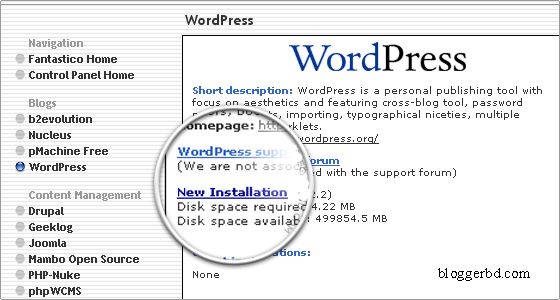
<<>> And Then choose New Installation: and Follow step by step


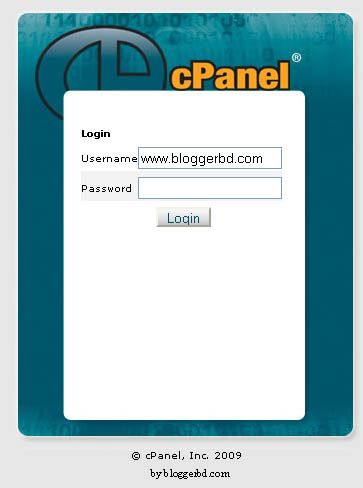
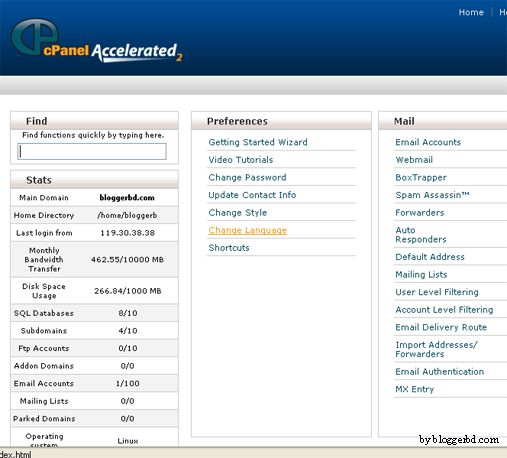
First know what is hosting, Hosting is a space where is hosted a complete website is called web hosting. And C-panel used to logon your webhosting Account. In One word C-Panel is a medium, which use to logon and logout to your hosting account, here is a picture of www.bloggerbd.com hosting C-panels
 |
| From BDTV24.UCOZ.COM |
 |
| From BDTV24.UCOZ.COM |